Introduction
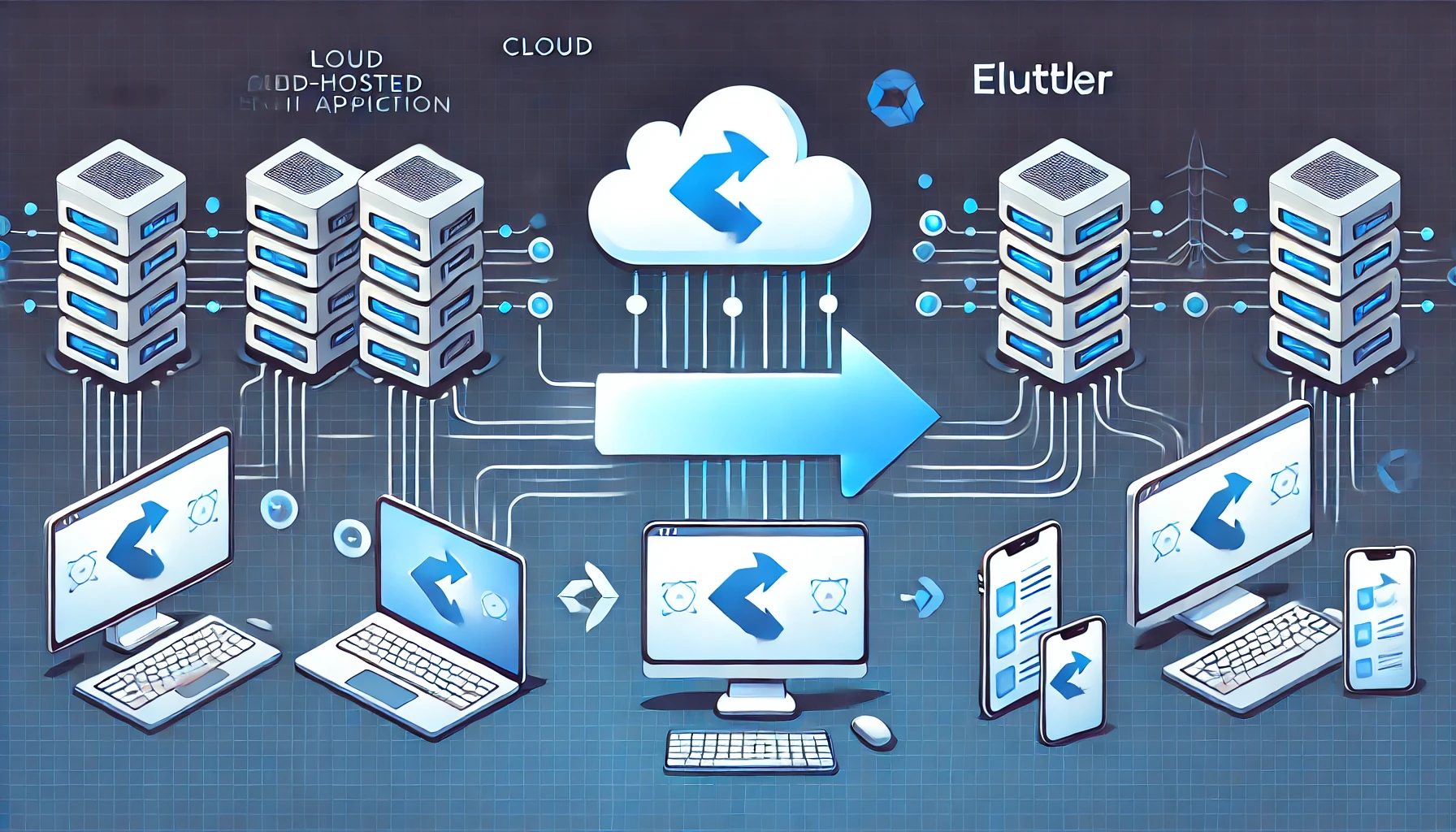
Cloud-hosted AI applications are powerful but come with latency, privacy, and connectivity constraints. To overcome these, transitioning to an endpoint-based AI solution is the next logical step. This post explores the tech stack options for converting a monolithic AI application into a cross-platform endpoint app, ultimately deciding between Flutter and Electron.
Current AI Application Overview
The existing AI app is a cloud-hosted monolithic solution featuring:
- A web interface built with Chainlit
- A LangGraph agent that integrates with:
- LLM (Large Language Model)
- FHIR Server for Electronic Health Records (EHR)
- Web search
- RAG (Retrieval-Augmented Generation)
Our Goal
We want to move this AI application to the endpoint, ensuring it is:
✅ Cross-platform (Mac, Windows, Linux)
✅ Accessible on mobile (iOS, Android)
Evaluating the Tech Stack Options
Option 1: Flutter
Flutter is a promising choice because it allows us to build for Mac, Windows, Linux, iOS, Android, and Web using Dart. However, it has major limitations:
❌ No official LangChain port (only an unofficial Dart port)
❌ No LangGraph support
❌ Requires alternative implementations for RAG and FHIR queries
➡️ Verdict: While Flutter provides broad platform support, the lack of direct AI framework support makes it less ideal.
Option 2: Electron
Electron is a desktop-first solution supporting Mac, Windows, and Linux. While it lacks direct mobile support, we can still host the web app and access it via a phone browser. Key benefits include:
✅ Native NPM support for LangChain.js, LangGraph.js, and RAG components
✅ Chromadb & EmbedJs for retrieval-augmented generation
✅ REST clients for web search and FHIR queries
➡️ Verdict: Electron wins due to its robust AI framework support and smooth integration with our existing tech stack.
Conclusion: Going with Electron
Since AI functionality is crucial and Electron provides seamless integration with LangChain, LangGraph, and RAG, it’s the best choice for our endpoint AI app. While mobile support isn’t native, we can solve that by hosting the web app.
Next Steps:
- Build an Electron app with AI integrations
- Optimize it for desktop environments
- Provide a web-hosted alternative for mobile access
Would you like to explore any additional topics, such as a hands-on guide for setting up Electron with AI integrations? Let me know in the comments! 🚀